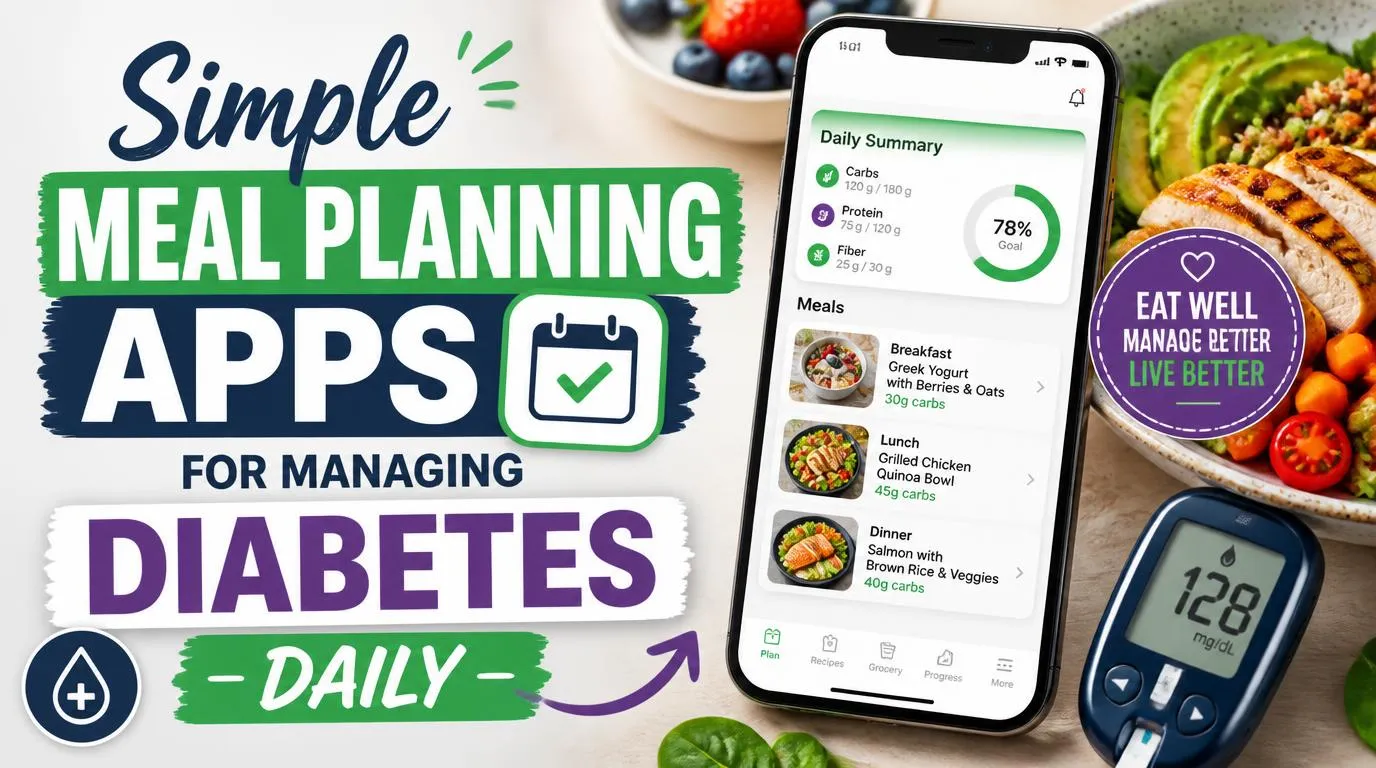
Finding simple meal planning apps for people managing diabetes daily changed everything about how I eat, and honestly, how I feel about food in general. I used to stand in front of my fridge at 6 PM with zero plan and rising stress, knowing that winging it almost always meant a blood sugar spike later. That cycle is exhausting. The right app broke it for me. Not a fancy one. Not an expensive one. Just something that actually worked with my reality.
Why Simple Meal Planning Apps for People Managing Diabetes Daily Actually Matter
Most generic meal planning apps treat food like a calorie game. But when you live with diabetes, the math is different. You’re thinking about carb counts, glycemic index, portion timing, and how Tuesday’s leftover pasta might wreck your Wednesday morning fasting numbers. That’s a lot to juggle without help.
A good diabetes-focused meal planning app does the heavy lifting. It suggests meals that keep your macros in check, generates grocery lists so you’re not impulse-buying at the store, and gives you enough variety that you don’t feel like you’re eating the same grilled chicken and broccoli on repeat forever. I spent about two years bouncing between apps before landing on the ones that genuinely fit my life. The difference between a good app and a bad one? The bad ones make you feel like you’re on a diet. The good ones make you feel like you’re just… eating well.
1. Mealime: The One I Recommend to Everyone First
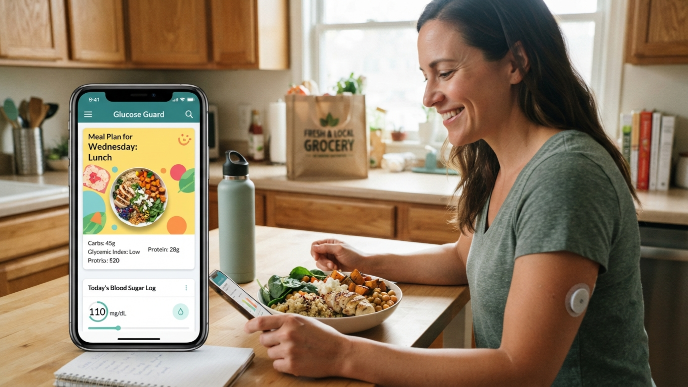
Mealime is where I tell people to start, especially if they’ve never used a meal planning app before. The interface is clean, the recipes are genuinely simple, and you can filter for low-carb and diabetic-friendly options right from the setup screen.
What sold me is the grocery list feature. Every meal plan you build automatically generates a consolidated shopping list. No duplicates, no guessing. I used to overbuy vegetables and watch them rot in my crisper drawer. Mealime fixed that. The free version is solid enough for most people, and the Pro version (around $5.99/month) adds more customization. If you want zero friction, this is your app.
2. MyFitnessPal: Not Perfect, But the Carb Tracking Is Unbeatable
I know, I know. MyFitnessPal feels like it’s been around since the dawn of smartphones. But hear me out. No other app has a food database this massive. When you’re logging a meal and need to know the exact carb count of a specific brand of whole wheat tortilla, MyFitnessPal almost always has it.
It’s not strictly a meal planning app, which is its biggest weakness. You won’t get curated weekly menus. But you can save meals, build recipes, and track your macros with scary precision. I pair it with another planning app and use MyFitnessPal purely for tracking. That combo has been my daily routine for over a year now. The barcode scanner alone saves me probably ten minutes every grocery trip.
3. Ate Food Journal: For the Visual Thinkers
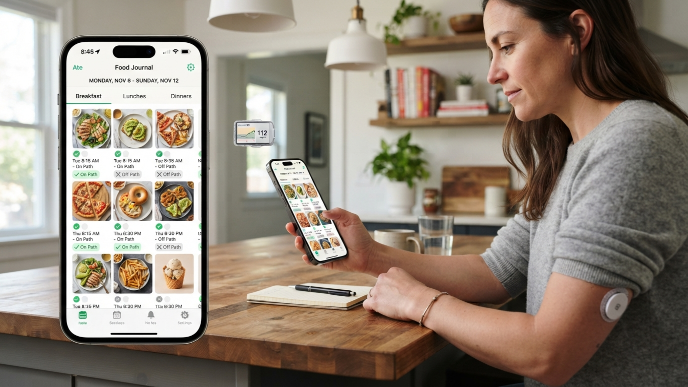
Ate takes a completely different approach. Instead of numbers and charts, you snap a photo of every meal and tag it as “on path” or “off path” based on your personal goals. That’s it. No calorie counting, no macro breakdowns unless you want them.
This might sound too simple for diabetes management, but honestly, it taught me more about my eating patterns than any spreadsheet ever did. Scrolling through a week of food photos, I could literally see when I started slipping. Three days of beige-colored meals? Yeah, that tracks with why my numbers were off. Ate works best as a companion app, not your only tool. But for building awareness and accountability, nothing else I’ve tried comes close.
4. Diabetes:M: Built Specifically for Blood Sugar Management
If you want an app that was designed from the ground up for people with diabetes, Diabetes:M is the one. It integrates meal planning with blood sugar logging, insulin tracking, medication reminders, and even syncs with some continuous glucose monitors.
The meal database includes glycemic index and glycemic load values, which most mainstream apps completely ignore. You can log a meal, check your blood sugar two hours later, and the app helps you spot patterns over time. The learning curve is steeper than Mealime or Ate, but the payoff is worth it if you want everything in one place. I used it religiously during a stretch where my A1C was creeping up, and having that data consolidated genuinely helped me and my endocrinologist make better decisions together.
5. PlateJoy: Personalized Plans That Feel Like a Nutritionist Made Them
PlateJoy asks you a bunch of questions during setup, including health conditions, taste preferences, cooking skill level, household size, and budget. Then it generates a fully customized meal plan with recipes and a grocery list. You can flag diabetes as a health condition, and it adjusts everything accordingly.
The recipes skew more adventurous than what I’d normally cook, which turned out to be a good thing. I made a turkey and black bean stuffed pepper from PlateJoy that became a weekly staple. The subscription runs about $69/year, which is pricier than most options on this list. But if you hate the planning part and just want someone to tell you exactly what to cook and buy, PlateJoy earns its price tag pretty quickly.
6. Whisk: Great for Families Where Not Everyone Has Diabetes
Here’s a problem nobody talks about enough: most diabetes meal planning apps assume you’re cooking for yourself. But if you have a partner, kids, or roommates who don’t share your dietary needs, you end up making two separate dinners or forcing everyone onto your plan.
Whisk handles this well. You can build meal plans that work for mixed households, adjusting portions and ingredients per person. The recipe collection is huge, and you can import recipes from almost any website. I started using Whisk when my partner got tired of eating cauliflower rice five nights a week (fair point). It let me plan meals that worked for my blood sugar goals without turning dinner into a logistics nightmare for everyone else. The app is free, which honestly shocked me given how much it does.
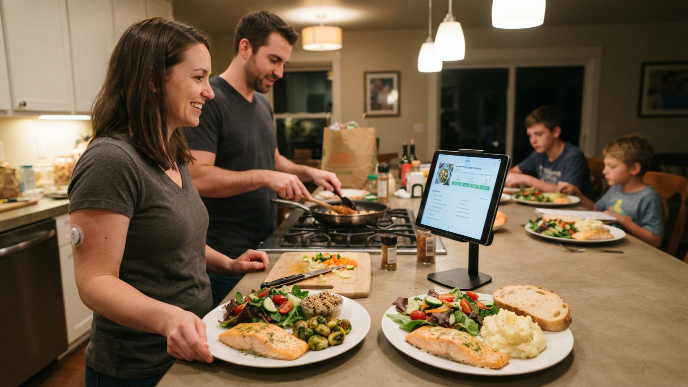
7. Yummly: The Best Recipe Discovery Engine With Smart Filters
Yummly isn’t diabetes-specific, but its filtering system is powerful enough to make it work. You can set dietary preferences for low-sugar, low-carb, and specific calorie ranges. The app learns your taste over time and gets better at recommending meals you’ll actually want to eat.
What I appreciate most is the “Guided Cooking” feature on some recipes. It walks you through each step with timers and visuals, which is perfect for nights when your brain is tired and you just need to follow instructions. Yummly also connects with some smart kitchen devices if you’re into that. FYI, the recipe saving feature is addictive. I have over 200 saved recipes at this point, organized into collections like “weeknight easy” and “batch cook Sunday.”
How I Actually Use These Apps Together
Nobody talks about this, but I don’t rely on just one app. My daily setup looks like this: I use Mealime or PlateJoy to plan my week on Sunday. During the week, I log everything in MyFitnessPal for carb tracking. And I snap photos in Ate when I want a quick visual check on how my eating looks overall.
When my blood sugar runs unpredictable, I switch to Diabetes:M for a few weeks to get more detailed data. This layered approach sounds complicated, but each app handles one job really well. Trying to find a single app that does everything perfectly is like trying to find one pair of shoes for hiking, work, and a wedding. It doesn’t exist. Pick two or three that complement each other and you’ll cover all your bases.
What to Look for Before Downloading Any Diabetes Meal Planning App
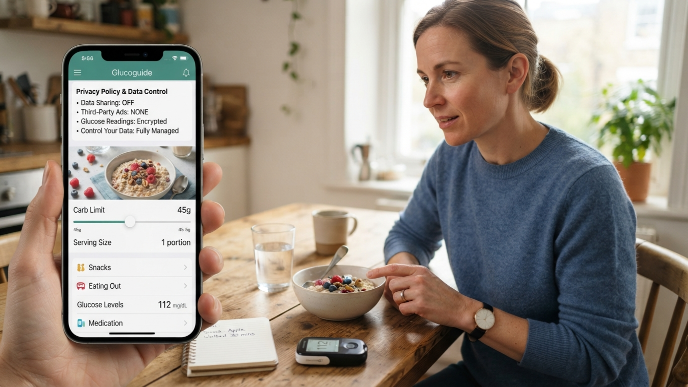
Not every app that slaps a “diabetic-friendly” label on its store listing actually delivers. Before you commit, check a few things. Does it let you filter or customize for carb limits? Can you adjust serving sizes? Does it account for real-world eating, meaning snacks, eating out, and leftovers?
Also, pay attention to how the app handles data privacy. You’re potentially logging health information, medication schedules, and glucose readings. Read the privacy policy, even just skim it. If the app shares data with third-party advertisers without clear consent, move on. IMO, the best apps are transparent about what they collect and give you control over it.
Frequently Asked Questions
Are there free meal planning apps that work well for diabetes?
Yes, and several solid ones exist. Mealime’s free version covers basic meal planning with low-carb filters. Whisk is entirely free and surprisingly robust. MyFitnessPal’s free tier handles carb tracking well. You don’t need to spend money to get started, though paid versions usually unlock more customization and remove ads.
Can simple meal planning apps for people managing diabetes daily replace a dietitian?
They shouldn’t. Apps are incredible tools for daily tracking, building habits, and staying organized. But a registered dietitian understands your full health picture, including medications, other conditions, and personal goals. I use apps between appointments and bring my logged data to my dietitian. That combination works better than either one alone.
Do these apps sync with continuous glucose monitors?
Some do. Diabetes:M syncs with several CGM brands, and MyFitnessPal integrates with Apple Health, which can pull CGM data indirectly. Mealime and PlateJoy don’t offer CGM integration. If real-time glucose pairing matters to you, check compatibility before committing to an app.
What’s the biggest mistake people make with diabetes meal planning apps?
Trying to log everything perfectly from day one. It leads to burnout fast. Start by planning just your dinners for a week. Once that feels natural, add lunches. Build the habit slowly. The app is only useful if you actually open it, and perfectionism is the fastest way to stop opening it.
How often should I change my meal plan if I have diabetes?
I rotate my plan every two to three weeks. Eating the same meals helps with predictability and blood sugar control, but too much repetition leads to boredom and eventually takeout. Most apps make it easy to swap individual meals without rebuilding your entire week, so use that feature liberally.
Conclusion
The right app won’t cure diabetes or make meal planning effortless overnight, but it removes enough friction that eating well stops feeling like a second job. Start with one app from this list, give it two honest weeks, and see how your routine shifts. Which one are you going to try first?