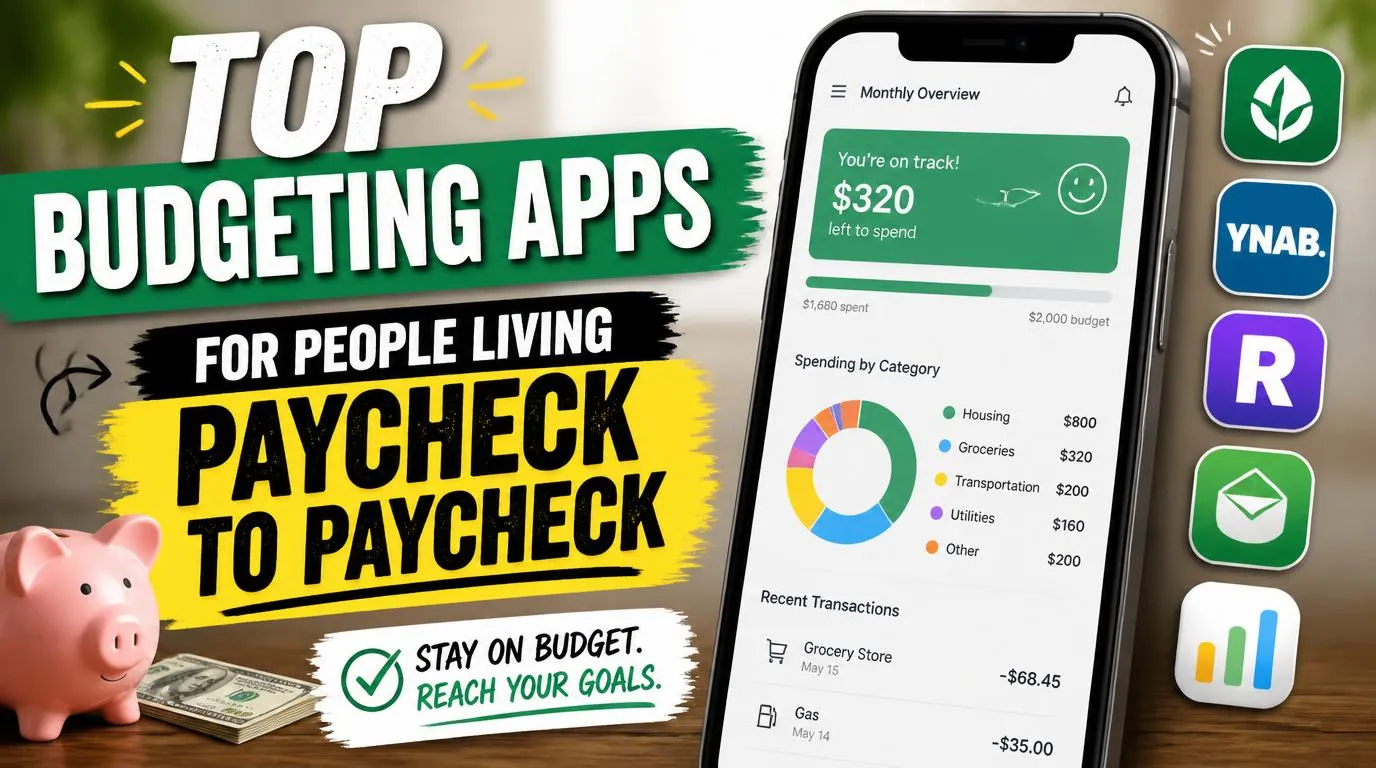
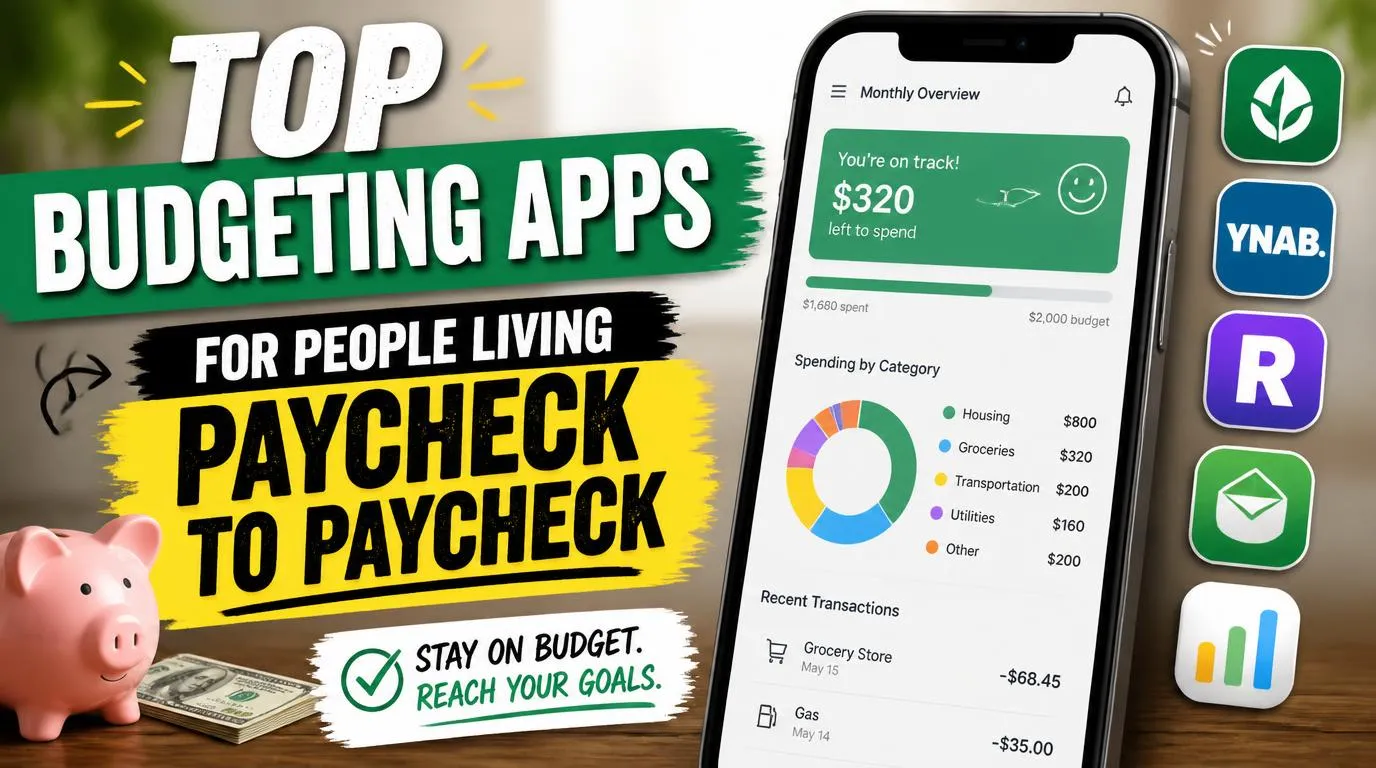
If you’ve ever searched for the top budgeting apps for people living paycheck to paycheck, you already know the feeling. That quiet panic on Wednesday when you check your balance and do mental math until Friday. I lived that cycle for years before I finally found apps that actually helped, not the ones built for people investing thousands, but the ones built for people just trying to make rent. These are the apps that changed things for me.
Why Most Budgeting Apps Don’t Work When You’re Broke
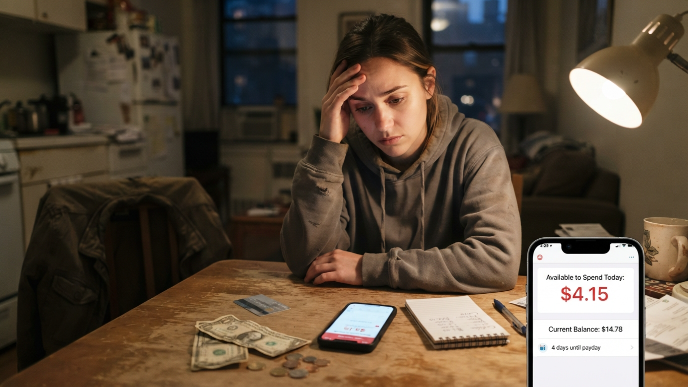
Here’s the thing nobody talks about. Most budgeting apps assume you have money left over at the end of the month. They want you to allocate savings, invest spare change, build an emergency fund. That’s great advice for someone who isn’t staring at a $14 balance four days before payday.
When you’re living paycheck to paycheck, you need something different. You need an app that tracks every dollar in real time, tells you exactly what you can spend today, and doesn’t guilt trip you for buying coffee. I tried at least a dozen apps before I found the ones that actually fit my life. Some were too complicated. Some felt like they were designed by people who had never been broke. A few, though, genuinely made a difference.
The apps on this list aren’t ranked by features or star ratings. They’re ranked by how useful they were when I had $200 to last ten days.
1. YNAB (You Need A Budget)
YNAB operates on one principle: give every dollar a job. That sounds simple, but when money is tight, it forces you to be brutally honest about where each dollar goes. I resisted it at first because it has a monthly fee ($14.99/month or $109/year), which felt ridiculous when I was barely scraping by.
But YNAB offers a 34-day free trial, and honestly, that trial month was eye-opening. I realized I was spending nearly $80 a month on subscriptions I forgot I had. The app syncs with your bank account and updates in real time, so you always know your actual spending power. It’s not passive tracking. It makes you actively decide where money goes before you spend it. For paycheck-to-paycheck living, that mindset shift was huge.
2. Goodbudget
Goodbudget uses the envelope method, which is something my grandmother swore by. You divide your income into virtual envelopes: groceries, gas, rent, fun money. When an envelope is empty, you stop spending in that category. No credit card temptation, no fudging the numbers.
The free version gives you 10 envelopes, which was more than enough for me. I used about seven. What I loved most is that it doesn’t connect to your bank account. You enter transactions manually. That might sound annoying, but it actually made me more aware of every purchase. When you physically type “$7.42 Walgreens” into your phone, you think twice next time. The paid version is $10/month if you want unlimited envelopes and multiple devices.
3. Dave
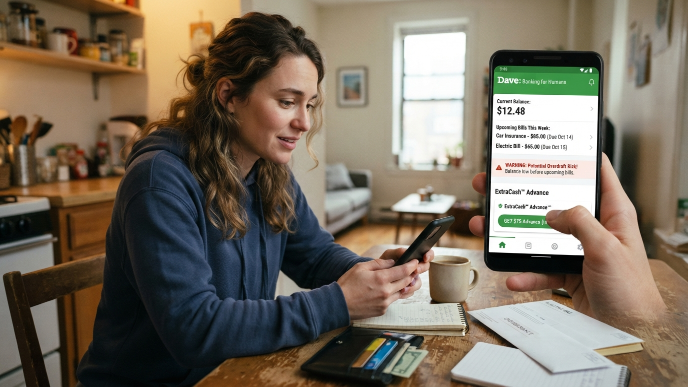
Dave was built specifically for people living paycheck to paycheck, and it shows. The app predicts your upcoming bills, warns you about potential overdrafts, and offers small cash advances (up to $500 with ExtraCash) to bridge the gap between paychecks. No interest, no credit check.
I used Dave during a rough stretch when my car insurance and electric bill landed on the same week. The $75 advance saved me a $35 overdraft fee, which is ironic math that only broke people understand. Dave charges $1/month for the basic membership, with optional tips for the advance feature. The budgeting tools inside the app are simple but effective. It shows your upcoming expenses against your expected income so you can see trouble coming before it arrives.
4. PocketGuard
PocketGuard answers one question better than any other app: how much can I spend right now? It connects to your accounts, tracks your income, subtracts your bills and savings goals, and gives you one clean number. They call it “In My Pocket.”
That single number became my daily anchor. Instead of opening my banking app and doing anxious math, I just checked PocketGuard. The free version covers the basics. PocketGuard Plus ($12.99/month or $74.99/year) adds bill negotiation and custom categories. I stuck with the free version for eight months and it did everything I needed. The interface is clean, not cluttered with features you’ll never touch. For someone who just needs to know “can I afford groceries today,” this app delivers.
5. EveryDollar
Dave Ramsey’s EveryDollar app uses zero-based budgeting, meaning every dollar of income gets assigned before the month starts. Your income minus your expenses should equal zero. Not because you’re spending everything recklessly, but because every dollar has a purpose, even if that purpose is “gas money for next Tuesday.”
The free version requires manual transaction entry, which I actually preferred. The premium version ($17.99/month through Ramsey Plus) syncs with your bank. I used the free version exclusively. Setting up my first budget took about 15 minutes. Each month after that, I just adjusted the previous month’s plan. EveryDollar works especially well if you get paid biweekly because you can build budgets around each paycheck separately. That feature alone made it worth keeping on my phone.
6. Brigit
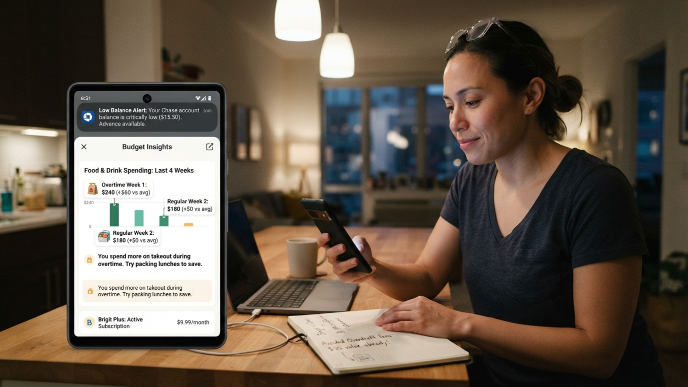
Brigit is similar to Dave but with a few extras that made it stand out for me. It offers up to $250 in cash advances with no interest, no credit check, and no mandatory tipping. The app also monitors your account and sends alerts when your balance is getting dangerously low.
What surprised me was Brigit’s budgeting insight feature. It categorizes your spending and shows you patterns over time. I noticed I was spending $60 more on food during weeks I worked overtime, which made zero sense until I realized I was buying lunch every shift instead of packing meals. Brigit’s Plus plan costs $9.99/month. The free tier gives you balance alerts and financial insights without the advance feature. If overdraft fees are eating you alive, Brigit pays for itself almost immediately.
7. Mint (Now Credit Karma)
Mint merged with Credit Karma in early 2024, but the budgeting features carried over. Credit Karma now tracks your spending, shows your bills, and categorizes transactions automatically. It’s completely free, which matters a lot when you’re counting every dollar.
I’ll be honest, the transition was a little rocky. Some features changed, and longtime Mint users were frustrated. But the core budgeting tools still work. You set spending limits by category, and the app notifies you when you’re getting close. It also gives you your credit score, which is useful if you’re trying to build credit while managing tight finances. The ads inside the app can feel pushy since Credit Karma makes money by recommending financial products. But if you ignore those, the actual budgeting tools are solid and genuinely free.
How to Pick the Right App for Your Situation
Not every app on this list will fit your life. That’s fine. The best budgeting app is the one you’ll actually open every day. Here’s how I narrowed down my choice.
If you need overdraft protection and small advances, Dave or Brigit will save you more in avoided fees than they cost in subscriptions. If you want total control over every dollar and you’re willing to put in a few minutes daily, YNAB or Goodbudget will change how you think about money. If you just want a quick snapshot of what you can spend, PocketGuard is unbeatable.
I personally rotated between three apps over two years before settling on YNAB and PocketGuard together. YNAB for planning, PocketGuard for daily reality checks. That combo finally broke my paycheck-to-paycheck cycle after about eight months.
Tips That Actually Helped Me Alongside These Apps
No app works if you don’t build small habits around it. I started checking my budgeting app every morning with my coffee. Not obsessively, just a quick glance. That ten-second habit caught problems early and kept me from impulse spending.
I also stopped budgeting monthly and started budgeting per paycheck. When you’re living paycheck to paycheck, a monthly budget feels abstract. A two-week budget feels real. Most of the apps above let you set custom time periods, so use that feature.
One more thing: don’t set unrealistic budgets. If you’re spending $400 on groceries, don’t set a $200 goal and expect magic. Cut by 10% first. Then adjust. Small wins keep you going. Perfection makes you quit.
Frequently Asked Questions
What are the best free budgeting apps for paycheck-to-paycheck living?
Credit Karma (formerly Mint) and the free versions of Goodbudget, PocketGuard, and EveryDollar are all solid free options. Each handles budgeting differently, so try a couple and see which one matches your style. Goodbudget is great for hands-on tracking, while PocketGuard gives you a fast daily spending number without much effort.
Do budgeting apps actually help when you barely have money?
Yes, but not because they create money from nothing. They help you see exactly where your money goes, which almost always reveals spending you didn’t realize was happening. I found over $100 in monthly waste I was blind to. That awareness alone started changing things for me within the first few weeks.
Are cash advance apps like Dave and Brigit safe to use?
Both Dave and Brigit are legitimate and regulated. They don’t charge interest on advances, and neither runs a hard credit check. The risk is becoming dependent on advances every pay cycle instead of fixing the underlying budget. Use them as a safety net, not a routine. That’s how they help most.
Which budgeting app is best for irregular income?
YNAB handles irregular income better than anything else I tried. Since you only budget money you actually have right now, it doesn’t matter if your next paycheck is $400 or $1,200. You assign what’s in your account today and adjust when more comes in. Goodbudget also works well for this since you manually control everything.
Can I use more than one budgeting app at the same time?
Absolutely. I used YNAB for detailed planning and PocketGuard for quick daily balance checks. They served different purposes and didn’t conflict. Just avoid duplicating effort. Pick one app for the heavy lifting and one for quick glances. Two is manageable. Three starts getting messy.
What’s the best budgeting app for people living paycheck to paycheck who hate spreadsheets?
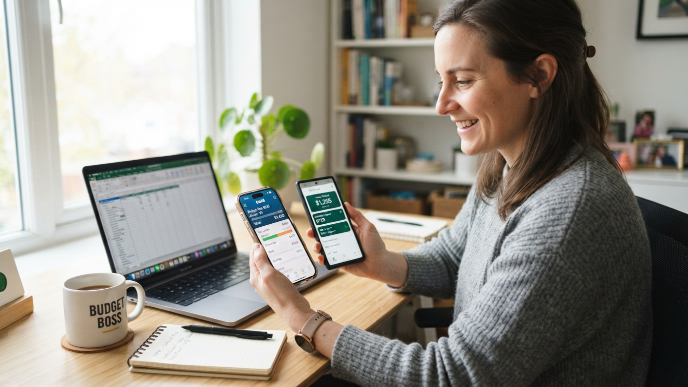
PocketGuard or Dave. Both require minimal setup and almost no manual tracking. PocketGuard connects to your accounts and gives you one number to focus on. Dave monitors your bills and warns you before things go wrong. Neither asks you to build categories or enter receipts, which is perfect if spreadsheets make your eyes glaze over.
Conclusion
Finding the right budgeting app won’t fix everything overnight, but it gives you something powerful: clarity. When you know exactly where your money stands every single day, the anxiety fades and better decisions follow naturally. Which app are you going to try first?