Finding simple cloud storage solutions for freelancers using multiple devices became my obsession after I lost an entire client proposal switching between my laptop and tablet. That sick feeling in your stomach when a file just vanishes? I never wanted to experience it again. So I spent the last two years testing every major cloud platform across my MacBook, Windows desktop, and Android phone. Some were brilliant. Others made me want to throw things.
Why Freelancers Need Cloud Storage That Works Across Every Device
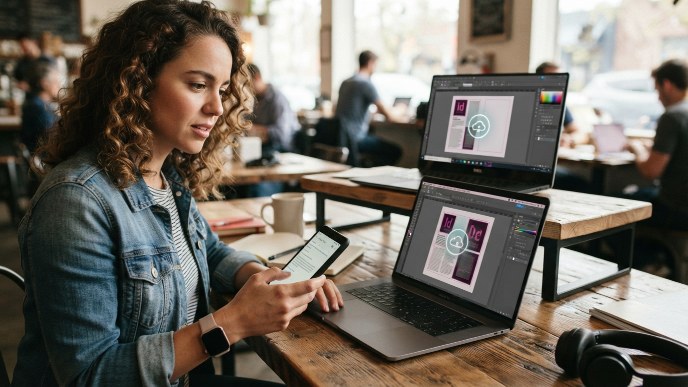
Most cloud storage platforms market themselves as “seamless.” Very few actually deliver when you’re bouncing between operating systems all day. As a freelance copywriter and designer, I regularly start drafts on my phone during commutes, refine them on my MacBook at a coffee shop, and finalize layouts on my Windows desktop at home. If even one file fails to sync, my whole workflow falls apart.
The real challenge isn’t just storing files. It’s making sure the latest version shows up instantly, everywhere, without you manually uploading anything. Freelancers don’t have IT departments. We are the IT department. So the solution has to be genuinely simple, not “simple once you spend three hours configuring it.”
I’ve narrowed my recommendations down to platforms that handle multi-device syncing without drama, offer reasonable free tiers or affordable plans, and don’t require a computer science degree to set up.
1. Google Drive: The One Most Freelancers Already Use
You probably have a Google account already, which means you already have 15 GB of free cloud storage sitting there. Google Drive syncs flawlessly between Android, iOS, Mac, Windows, and any browser on earth.
What makes it genuinely useful for freelancers is the tight integration with Google Docs, Sheets, and Slides. I write first drafts directly in Docs on my phone, and by the time I sit down at my laptop, the file is already there with every edit saved. The desktop app for Mac and Windows lets you stream files without downloading them locally, which saves a ton of hard drive space. The 100 GB plan runs $1.99 per month through Google One, which is honestly hard to beat.
2. Dropbox: Still the Gold Standard for File Syncing
Dropbox might feel like old news, but there’s a reason it’s still around. The syncing speed is consistently the fastest I’ve tested. When I save a Photoshop file on my desktop, it appears on my laptop within seconds, not minutes.
Smart Sync is the feature that sold me. It lets you see all your files in Finder or File Explorer without actually storing them on your device. Click one, it downloads instantly. This is perfect when you’re working from a laptop with limited storage. The free tier only gives you 2 GB, which is laughably small in 2024, but the Plus plan at $11.99 per month includes 2 TB and works across three linked devices. For freelancers handling large design files or video projects, that capacity matters.
3. iCloud Drive: Best If You’re Deep in the Apple Ecosystem
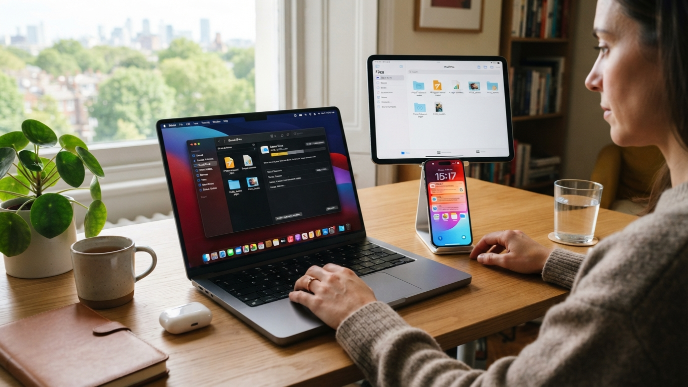
If your devices are mostly Apple, iCloud Drive is almost invisible in the best way. It just works in the background without you thinking about it. Files from your Mac desktop and Documents folder automatically appear on your iPhone and iPad.
The catch? Cross-platform support is limited. You can access iCloud through a browser on Windows, and Apple now offers a Windows app, but the experience feels like an afterthought compared to using it on a Mac. I keep iCloud as my secondary backup for personal files and Apple-specific projects. The 50 GB plan costs $0.99 per month, making it the cheapest paid tier on this list. If you’re an all-Apple freelancer, it’s a no-brainer. If you mix operating systems, keep reading.
4. Microsoft OneDrive: The Smart Pick for Document-Heavy Freelancers
OneDrive flies under the radar for freelancers, but it shouldn’t. The Microsoft 365 Personal plan gives you 1 TB of cloud storage plus the full Office suite for $6.99 per month. If you already pay for Word and Excel separately, this plan actually saves you money.
The real-time collaboration features rival Google Docs now, and the syncing across Windows, Mac, iOS, and Android is rock solid. I use OneDrive specifically for client-facing documents because most corporate clients still prefer Word and Excel formats. One small gripe: the Android app occasionally lags when uploading batches of photos, but for documents and spreadsheets, it’s flawless. The Personal Vault feature adds an extra layer of security for sensitive contracts, which gives me peace of mind when storing client agreements.
5. pCloud: The Underdog Worth Knowing About
Most freelancers haven’t heard of pCloud, and that’s a shame. This Swiss-based service offers something no other major provider does: a lifetime plan. Pay once, use it forever. The 2 TB lifetime option costs around $399 during sales, and when you do the math against monthly subscriptions over five or more years, the savings are significant.
pCloud works across Windows, Mac, Linux, iOS, and Android. The syncing is reliable, though slightly slower than Dropbox on large files. What I love most is the built-in media player. I can stream audio and video files directly from pCloud without downloading them, which is great for freelancers who work with multimedia content. The free tier includes 10 GB, which is generous enough to test it properly before committing.
6. Sync.com: For Freelancers Who Care About Privacy
Client confidentiality matters. If you handle sensitive data, legal documents, or financial records, Sync.com deserves your attention. It offers zero-knowledge end-to-end encryption, meaning even Sync.com’s own employees can’t read your files.
The interface is clean and minimal. No bloat, no confusing settings. You install the app, choose a sync folder, and everything in that folder appears across all your devices. The free plan includes 5 GB, and the Pro Solo plan gives you 2 TB for $8 per month. It works on Windows, Mac, iOS, and Android. My only complaint is that there’s no Linux app yet, which might matter to developer-type freelancers. For everyone else, it’s one of the best simple cloud storage solutions for freelancers using multiple devices who also need serious security.
How to Choose the Right Cloud Storage for Your Freelance Setup
Picking the right platform depends on three things: what devices you use, what file types you work with, and how much you’re willing to spend monthly.
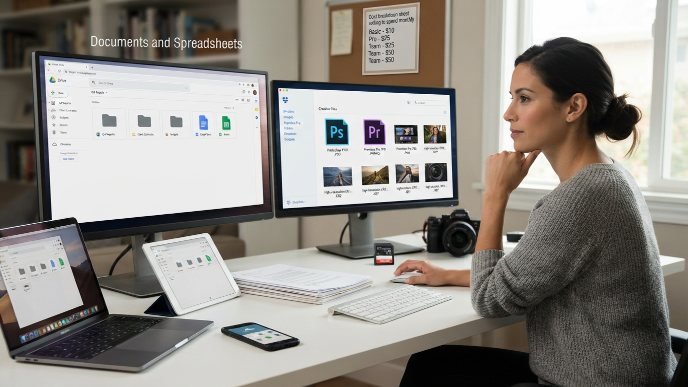
If you’re mostly working with documents and spreadsheets, Google Drive or OneDrive will serve you perfectly. If you deal with large creative files like PSDs, video footage, or high-res images, Dropbox or pCloud handle those better because of faster sync speeds and smarter storage management.
Match Your Storage to Your Devices
Write down every device you use for work. Seriously, grab a sticky note. Include your phone, your tablet, your home computer, your travel laptop, everything. Then check whether your top cloud storage pick has a native app for each one. Browser access works in a pinch, but native apps sync in the background without you lifting a finger. That passive syncing is what makes the difference between a tool you rely on and one you forget exists.
Don’t Overlook Free Tiers
Before paying for anything, max out the free storage first. Between Google Drive (15 GB), pCloud (10 GB), and Sync.com (5 GB), you can cobble together 30 GB of free cloud storage across three services. It’s a bit scattered, but for freelancers just starting out, every dollar matters.
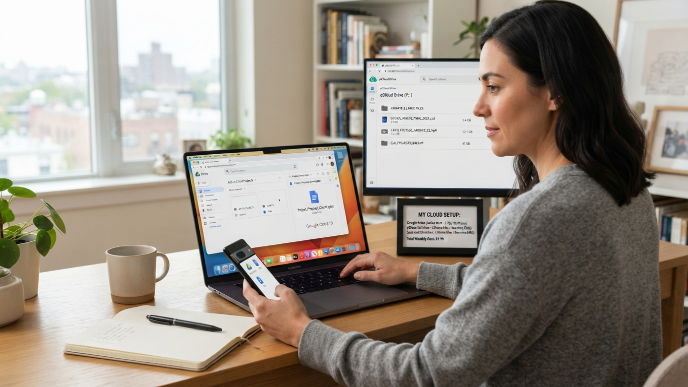
Simple Cloud Storage Solutions for Freelancers: My Personal Setup
I’ll share what actually works for me after testing all of these. My primary storage is Google Drive with the 2 TB Google One plan. I keep all active client projects there because Google Docs is where I draft everything, and the syncing between my MacBook and Android phone is instant.
For large design files and archives, I use pCloud’s lifetime plan. It keeps those heavy files off my main devices but accessible whenever I need them. And for anything sensitive, like contracts and tax documents, Sync.com’s encrypted storage gives me confidence that nothing leaks.
This three-tool setup sounds complicated, but each platform handles a specific job. I never confuse which files go where because the categories are clear. Active work goes to Google Drive. Archives go to pCloud. Sensitive stuff goes to Sync.com. Total monthly cost after the pCloud one-time payment? About $10.
FAQs
What’s the easiest cloud storage to set up across multiple devices?
Google Drive wins for pure simplicity. If you have a Google account, you already have it. Install the app on each device, sign in, and your files appear everywhere. There’s almost zero configuration needed, and the mobile apps are intuitive enough that even non-tech-savvy freelancers can start using them within minutes.
Can I use multiple cloud storage services at the same time?
Absolutely. I use three simultaneously and it works great. The key is assigning each service a clear purpose so files don’t get scattered randomly. Use one for active projects, one for archives, and one for sensitive documents. This approach keeps everything organized without any overlap or confusion between platforms.
Are simple cloud storage solutions for freelancers using multiple devices secure enough for client files?
Most major providers use strong encryption during transfer and storage. For extra security, Sync.com offers zero-knowledge encryption, meaning nobody but you can access your files. If you handle particularly sensitive client data, choose a provider with end-to-end encryption and enable two-factor authentication on your account.
How much cloud storage does a typical freelancer actually need?
It depends on your field. Writers and consultants can usually get by with 50 to 100 GB. Graphic designers and video editors often need 1 to 2 TB. Start with a free tier, monitor how quickly you fill it over a month, and upgrade from there. Most paid plans let you scale up without losing any files.
Is Dropbox still worth paying for in 2024?
For freelancers who need fast, reliable file syncing across devices, yes. The sync speed is still best-in-class, and Smart Sync saves real hard drive space on smaller laptops. The price is higher than some competitors, but if your workflow depends on instant file availability across three or more devices, that premium pays for itself quickly.
Conclusion
The right cloud storage setup should feel invisible. You save a file on one device, and it shows up on every other device without you doing anything extra. That’s the whole point. Pick the platform that matches your devices, your file types, and your budget, then stop worrying about it and get back to the work that actually pays you. Which setup are you leaning toward?